Devlog 17 - Movement Animations and Animation Tracking
Summary
This update focused on Jack's movement animations and on getting a clearer overview of the animation work still left to do.
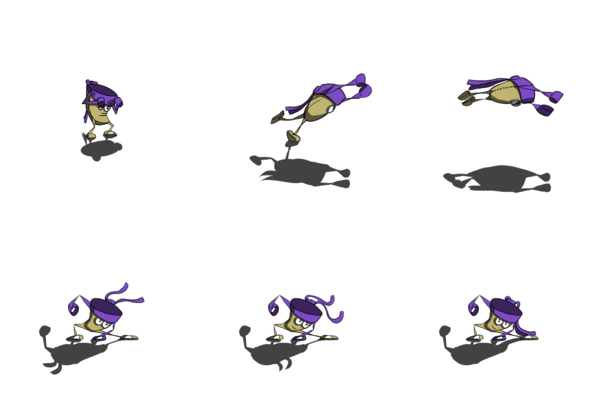
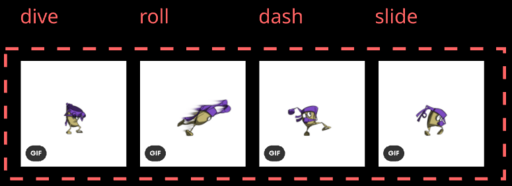
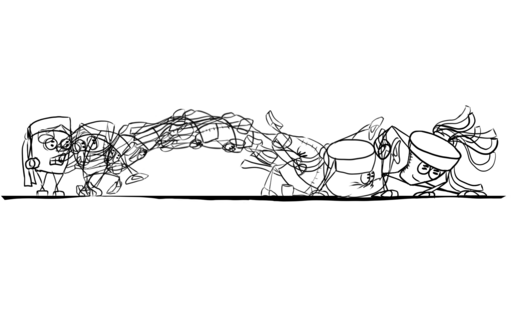
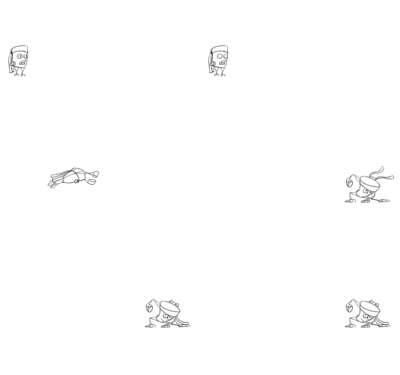
The main movement sequence started as one larger dive animation, then got split into several related moves: dive, roll, dash, and slide. They share some animation DNA, but each one needs to feel different in gameplay.
What changed?
-
Continued work on Jack's movement animations:
- dive
- roll
- dash
- slide
-
Started refining the movement poses so each move feels more specific.
-
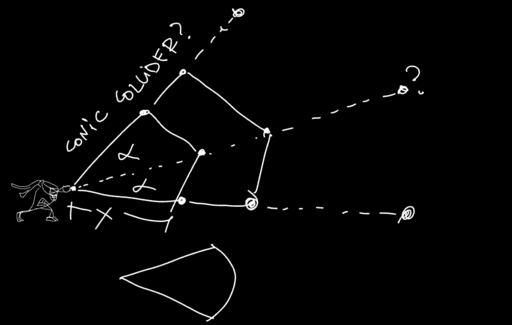
Began studying smear frames and motion references to make the animations feel faster and more alive.
-
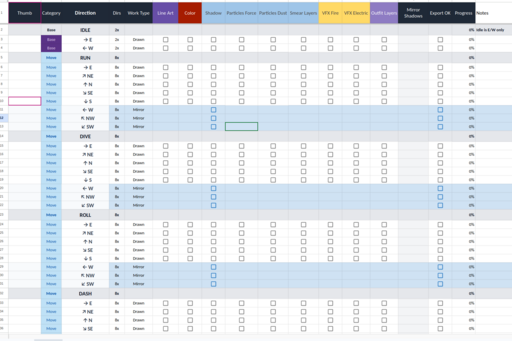
Created a first version of an animation tracking table.
-
Used the animation table to get a better overview of:
- what is already animated
- what still needs cleanup
- which directions are missing
- which animations need shadows or extra polish
-
Added or cleaned up shadows for several animations, including:
- idle
- run
- hit animations
-
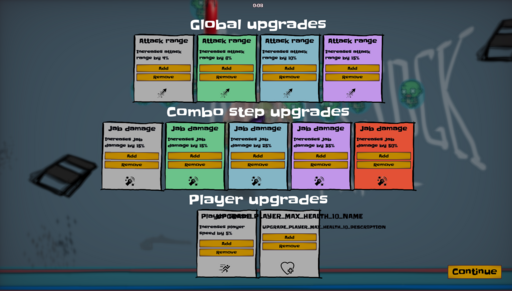
Continued early UI work for upgrade testing:
- upgrade choices
- combo step upgrades
- player upgrades
What I'm unsure about?
- The upgrade system is still being tested.
- The UI is useful for development, but the final rules are not fully locked yet.
- I need to keep improving how I prioritize the work.
Open questions
- How far should Jack be able to hit?
- Should Jack be able to move while attacking?
- Should attacks stop or block movement?
- How should attack directions work with the 2.5D view?
- What should the upgrade curve feel like?
Next steps
- Finish missing hit sprites.
- Test attack distance.
- Test movement during attacks.
- Continue direction tests for attacks.
- Add hitbox sprites.
- Add force and impact particles for hits.
- Fill missing north, south, and diagonal movement animations.
- Keep cleaning up shadows and animation consistency.